
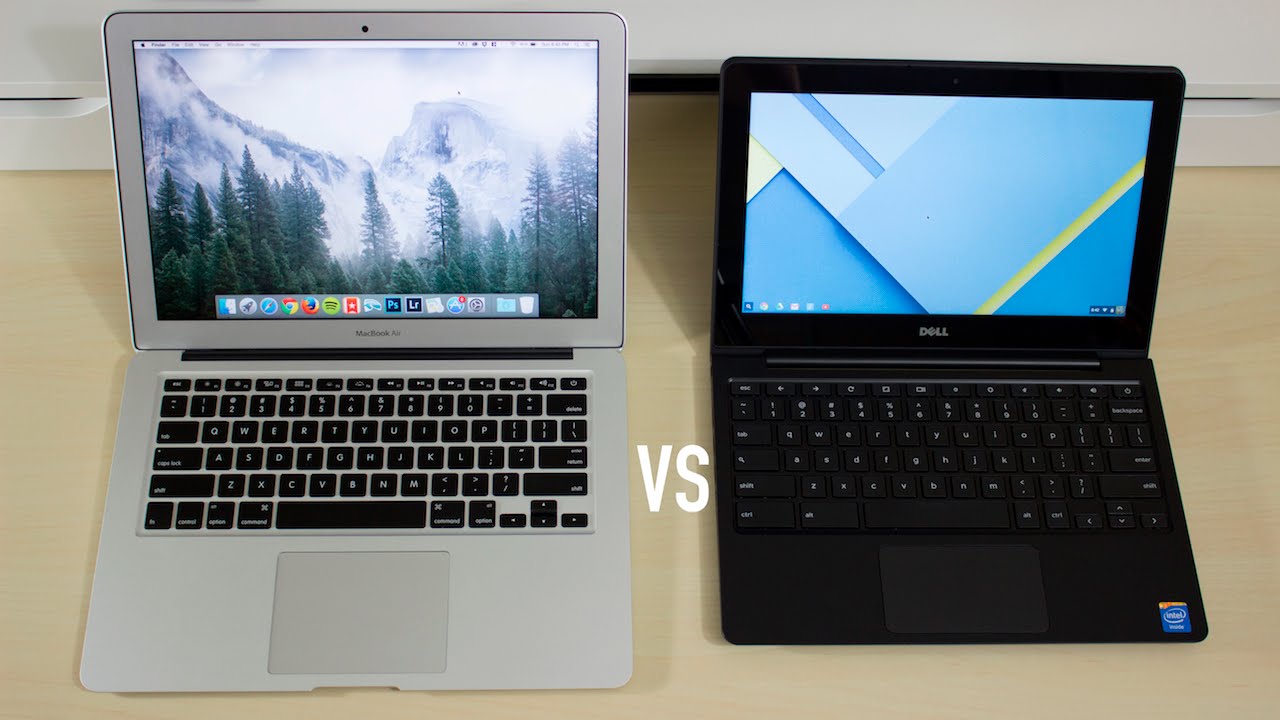
In the world of laptops, two popular options often come head to head: Chromebooks and MacBooks. Each serves a specific purpose and targets different user needs, making it essential to understand their differences. Whether you’re a student, a professional, or someone who just enjoys browsing the web, this article will help you navigate the features, benefits, and drawbacks of both devices.
Understanding the Basics
Before diving into the specifics, let’s clarify what these two types of laptops offer. Chromebooks are lightweight devices that run on Google’s Chrome OS, primarily designed for web-based tasks. They typically feature lower hardware specifications but excel in simplicity and battery life. On the other hand, MacBooks, powered by Apple’s macOS, boast high-performance hardware, an extensive software library, and seamless integration with other Apple products.

Performance and Usability
When it comes to performance, MacBooks take the lead with their powerful processors and ample memory options. This makes them ideal for demanding tasks, such as video editing, graphic design, and software development. Users can run various applications simultaneously without experiencing lag, offering an incredible multitasking experience.
Chromebooks, while generally less powerful, shine when it comes to everyday tasks like web browsing, email, and document editing. Many users find that they can complete most of their daily activities efficiently with a Chromebook, especially with the rise of cloud-based applications. However, if you often engage in resource-heavy tasks, a MacBook would better suit your needs.
Software Ecosystem and Compatibility
Software compatibility is another crucial factor to consider. MacBooks come pre-installed with powerful applications like Final Cut Pro and Logic Pro, making them a favorite among creative professionals. Additionally, the macOS environment supports a wide range of software, from productivity tools to specialized applications.
In contrast, Chromebooks rely heavily on web applications and the Google Play Store. While many popular apps are available, users may find some limitations compared to the extensive software offerings on macOS. However, Google’s suite of tools, including Google Docs, Sheets, and more, has become increasingly sophisticated and can serve many users well.
Price and Affordability
One of the most significant differentiators between Chromebooks and MacBooks is price. Chromebooks are generally more budget-friendly, with options available for as low as $200. This makes them an attractive option for students or anyone looking for a reliable machine without breaking the bank.
MacBooks, on the other hand, come with a higher price tag, often exceeding $999 for the entry-level models. While the investment may seem steep, many users feel justified due to the premium build quality, longer lifespan, and superior performance that MacBooks offer. Ultimately, the choice comes down to your budget and how much you value performance and durability.
Making Your Choice
In summary, both Chromebooks and MacBooks have their strengths and weaknesses. If you need a device primarily for web browsing, light productivity tasks, or education at an affordable price, a Chromebook may be the perfect fit for you. Its portability, long battery life, and user-friendly interface make it a great companion for students and casual users alike.
Conversely, if you’re looking for a robust, all-around machine capable of handling demanding applications, investing in a MacBook could be worthwhile. Its high-quality design, powerful performance, and strong ecosystem provide an excellent user experience, particularly for professionals in creative fields.
Ultimately, understanding your specific needs and usage patterns will guide your decision. Whichever laptop you choose, both Chromebooks and MacBooks hold unique advantages that cater to a variety of user preferences. Happy computing!